
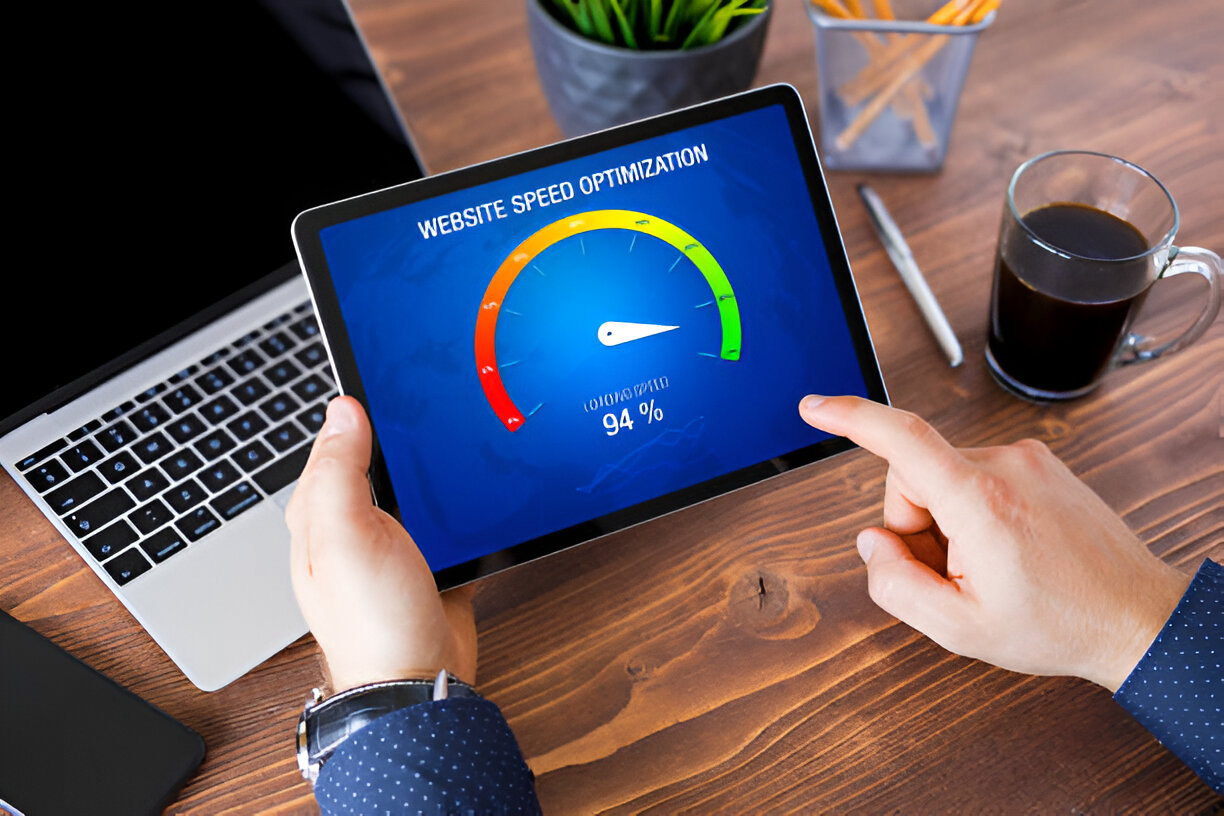
If your business website is slow, you are not just frustrating potential customers; you are less likely to show up in search results, which means customers might not even see you in the first place. Site speed is an important factor that directly impacts how many leads and sales you generate online. Even a delay of just one or two seconds can cause visitors to abandon your site and head to a competitor.
For businesses operating in competitive local markets, website performance is no longer optional. A slow-loading website gives the impression that your company is unprofessional or outdated. On the other hand, a fast, responsive site builds trust, increases conversions, and helps you stand out from the competition.
The good news is that improving speed is not complicated. In this guide, we will cover seven proven fixes that can be implemented to make your business website faster, more user-friendly, and more effective at generating leads.
Why Website Speed is Critical for Local Businesses
Modern consumers expect quick results. When someone is searching for a plumber, lawyer, restaurant, or shop nearby, they do not have the patience to wait for a slow website. In fact, Google studies show that 53% of users abandon a mobile site if it takes longer than three seconds to load.
A faster website will:
- Keep visitors engaged long enough to explore your services or products
- Perform better in local search rankings
- Convert more visitors into leads or paying customers
- Strengthen your reputation as a professional, trustworthy business
Conversely, a slow site loses potential customers, which results in all of these bullet items as lost opportunities.
1. Run a Comprehensive Website Audit
Before you can fix performance issues, you need to know what is slowing your website down. Running a website speed audit highlights the areas that need improvement and helps you prioritize your efforts.
Recommended tools include:
- Google PageSpeed Insights for quick performance checks
- GTmetrix for in-depth analysis of page speed, layout shifts, and blocking times
- Pingdom to test your site from different global locations
A website audit is like a health check. It identifies the problems that might not be visible on the surface but are costing your business leads.
2. Compress and Optimize Images
Images are often the biggest files on a website, and large image sizes can dramatically slow loading times. The solution is to optimize images so that they load quickly while maintaining quality.
Action steps you can take today:
- Use modern image formats like WebP for faster performance
- Compress images with tools such as Imagify or ShortPixel
- Add lazy loading so images appear only when visitors scroll to them
If your business relies on visuals, such as restaurants, retailers, or service providers showcasing projects, image optimization can provide an instant speed boost.
3. Enable Browser Caching
Browser caching stores parts of your website, such as logos, images, and stylesheets, in a visitor’s browser. When they return to your site, it loads much faster because their device already has some of the files saved.
For businesses, this matters because customers often revisit a site before making a decision. With caching enabled, those return visits are smoother and more efficient, which increases the chance of conversion.
4. Invest in High-Quality Website Hosting
Your hosting provider is the foundation of your website’s performance. If you are using low-cost shared hosting, your site could be competing with hundreds of others on the same server, which results in slow load times.
Look for hosting that provides:
- SSD storage for faster data delivery
- Built-in caching features
- Content Delivery Network (CDN) support
- Data centers geographically close to your customers
Mirex Marketing has a sister brand, SYT.host, which offers affordable premium web hosting. For additional hosting options see Top WordPress Hosting Resources.
5. Minify and Combine Your Code
Websites run on files like CSS, JavaScript, and HTML. When these files are not optimized, they create multiple requests that slow down the loading process.
Benefits of minifying and combining files include:
- Reduced file sizes
- Fewer server requests
- Faster loading times without sacrificing design
Plugins like Autoptimize and WP Rocket can streamline this process for WordPress websites, helping business owners improve site speed without advanced coding knowledge.
6. Prioritize Mobile Optimization
More than half of online searches now come from mobile devices. If your website is not optimized for mobile users, you could be losing a significant portion of potential customers.
Tips to make your site mobile-friendly:
- Ensure your design is fully responsive
- Avoid large pop-ups that interrupt browsing
- Optimize image sizes for mobile screens
- Test regularly with Google’s Mobile-Friendly Test
Since Google uses mobile-first indexing, your mobile site’s performance directly influences how well you rank in search results.
7. Use a Content Delivery Network (CDN)
A CDN is a network of servers located across different regions. It delivers your website’s files from the server closest to your visitor, reducing loading time.
If you serve customers across multiple cities or even globally, a CDN ensures that every visitor experiences consistent, fast performance. Popular options include Cloudflare and Amazon CloudFront. Our sister brand, SYT.host, includes a CDN that is equivalent to Clourflare Premium.
Extra Step: Keep Your Site Clean and Updated
Beyond the seven key fixes, regularly maintaining your website is equally important. Outdated plugins, unused themes, and bloated databases all contribute to slower performance. Schedule monthly clean-ups and updates to keep your site running smoothly.
If you’d like help with this then check out the Webmaster Service, where we provide monthly Performance Optimization and the premium plugin WP Rocket is included for free.
Conclusion
Your website is often the first impression customers have of your business. A fast, well-optimized site not only improves user experience but also drives more leads and revenue. By applying these seven strategies, auditing, optimizing images, enabling caching, upgrading hosting, minifying code, prioritizing mobile performance, and using a CDN. You can transform your website into a powerful lead generation tool.
If you are ready to stop losing customers to slow websites and start maximizing your online potential, get in touch with our team today. We specialize in helping businesses improve performance, boost visibility, and convert more visitors into loyal clients.
Frequently Asked Questions
1. How do I check if my website is slow?
Run a test using tools like Google PageSpeed Insights, GTmetrix, or Pingdom. If your site takes longer than three seconds to load, it is time to make improvements.
2. What is the simplest way to speed up my site?
Start with image optimization and caching. These two changes can instantly improve your load times.
3. Does hosting really affect speed?
Yes. Hosting is one of the most critical factors in website performance. Premium hosting providers often deliver faster, more reliable websites.
4. How does site speed impact SEO?
Google considers page speed a ranking factor. A faster site improves search visibility and user experience, making it easier to generate leads.
5. How often should my site speed be optimized?
On a monthly basis after updating WordPress, the theme and plugins, or after adding new features.